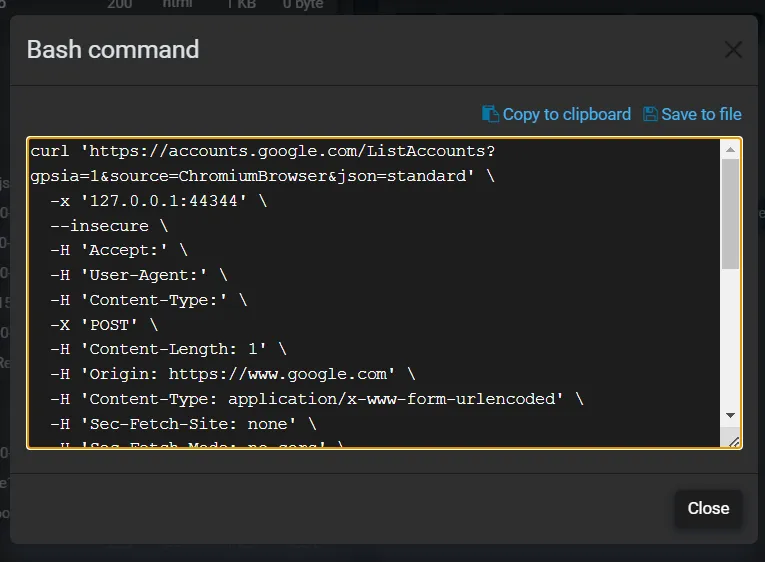
Exporting cURL command
Fluxzy provides feature to export an Exchange to a cURL command. Exported cURL command are provided in cmd and bash format to ensure compatibility with Windows and Unix-like systems with line break rules.
To export an exchange to a cURL command:
- Select the exchange to export
- In the right panel, choose the
Tooltab then hitcURL, 4 options will be available:Export to cmdExport to bashExport to cmd (with proxy config)Export to bash (with proxy config)postmanexport a cURL command that can be imported in Postman

When exported with proxy config, the cURL command will include the running proxy configuration (option -x on cURL).
Here is an example of an exported cURL command in bash format: